
Insights

Getting an enquiry is only half the job. The other half is making sure your profile earns that enquiry in the first place, and then handling it in a way that turns interest into confirmed business.
That's exactly what we covered in our recent webinar, The Enquiry Playbook, hosted by our account manager Joe Terry. Here's a recap of the key takeaways, from profile optimisation through to enquiry management, plus a few extra tips that came up during the live Q&A.
Before we get into specifics, one stat is worth sitting with: 75% of event planners now use AI to support their venue search. That means organisers aren't just typing "London venue for 150 people" into Google anymore, they're asking tools like ChatGPT or Claude for a sustainable conference venue in central London for 150 people with AV included, and expecting a shortlist back.
AI tools pull this information from your venue description, third-party platforms like VenueScanner, and review sites. In other words, your profile isn't just competing for human attention, it's also competing to be the answer an AI gives. That shift runs through everything below.
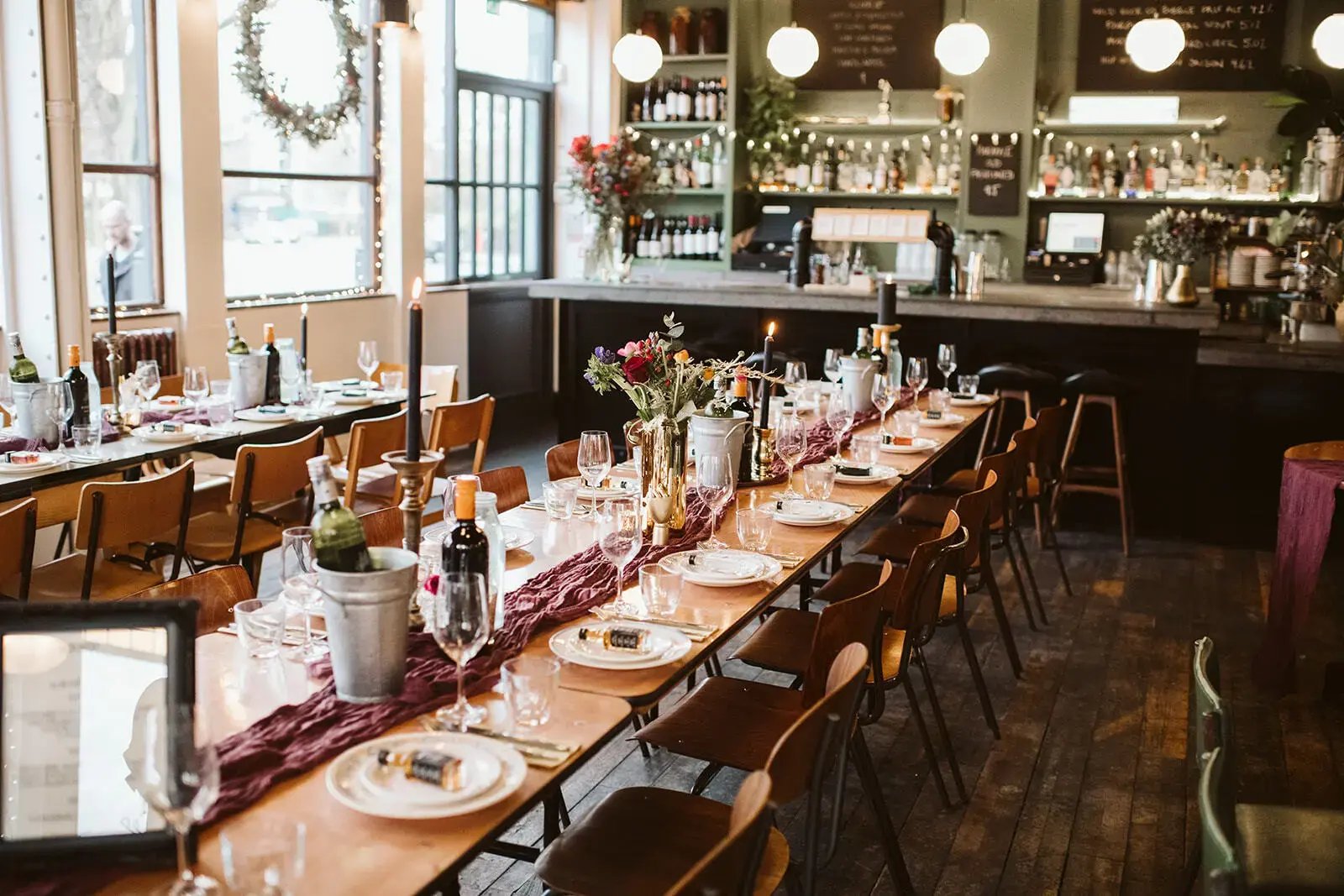
Photos are the first thing that draws an organiser in, so they're worth getting right.
Video tours are a bigger opportunity than most venues realise. Only 5% of venues on VenueScanner currently have one uploaded, but venues with a video tour see, on average, a 20 to 55% increase in enquiries. We support Matterport tours, and you can add one to any of your listed spaces, not just your main one.
Your "About Venue" section is where AI tools go looking for detail, so specificity matters more than ever. Make sure it covers:
It's also worth encouraging past clients to leave reviews on sites like Trustpilot. The more platforms you appear on with consistent, positive information, the stronger your AI search ranking becomes.
This is one of the simplest changes with one of the biggest returns: visible pricing sees a 10 to 30% increase in enquiry conversion. Hiding pricing until after an enquiry doesn't build trust, it tends to stop enquiries from happening at all.
A few practical notes:
Our recently updated analytics dashboard gives you a full performance overview for each listed space, from the last 7 days to the last 12 months, tracked through the full funnel: impression, page view, enquiry, and confirmed business.
A good benchmark to aim for: Queen of Hoxton, one of our strongest-performing venues, sees a 27% click-through rate (impression to page view) and a 20% enquiry conversion rate. Their profile follows the playbook closely, high-quality photos that open with a clear shot of the space, detailed pricing, and a defined minimum spend of £3,000 that keeps enquiries relevant.
Here's the number that should shape how quickly you respond: 78% of event organisers go with the first venue to reply. Organisers typically enquire with four to five venues at once, and the ones who reply fastest tend to win the most attention.
A few benchmarks worth keeping in mind:
If you’re wondering how to respond to event enquiries, we have a few tips. Don't stop at one message if you don't hear back. The recommended structure is:
Most organisers are still comparing options when they first enquire, so these follow-ups aren't pushy, they're often exactly what gets you back on their radar once they've done their research. If an event date is approaching fast and you still haven't heard back, it's worth picking up the phone.
Your initial response carries the most weight, so it's worth getting the structure right:
Enquiries sourced through our VenueScanner for Business team follow the same principles, fast, high-quality responses, kept within the VenueScanner inbox. The agency team manages the relationship with the client directly and will update you once they hear back, so there's no need for a separate chaser sequence on those enquiries.
A few extra questions came up live that are worth sharing:
How do you keep templates personal? Leave key sections, like pricing or dates, blank so you're filling them in for each enquiry. Referencing the organiser's specific event details is often enough to make a templated reply feel considered.
Do agency enquiries get treated differently? No, the same speed and quality expectations apply, the only difference is that the agency team manages the conversation with the client.
What if my pricing is bespoke? Give a realistic starting-from price based on past events, without added extras. It still filters for fit while inviting the right enquiries in.
Should photos open with an empty space or a past event? Start with a clear, open shot of the space itself, then layer in past events further down. It helps organisers picture their own event there first.
Want to see the full session? Watch the webinar recording here.
